安装
- 下载 NetTime 3.14 (仅支持 IPv4) 下载地址 1 下载地址 2 下载地址 3
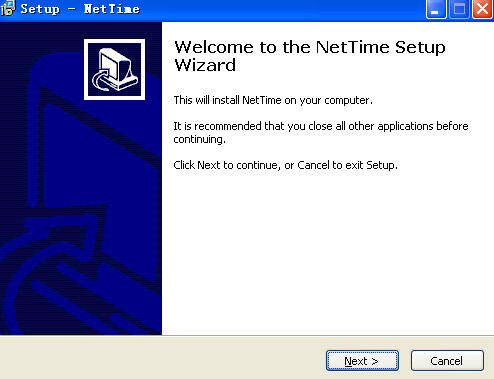
- 运行安装程序,点击
Next
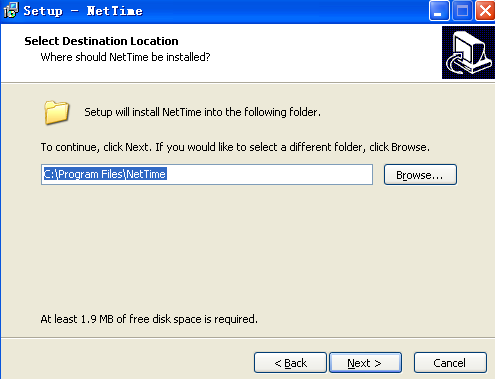
- 选择安装位置。点击
Next
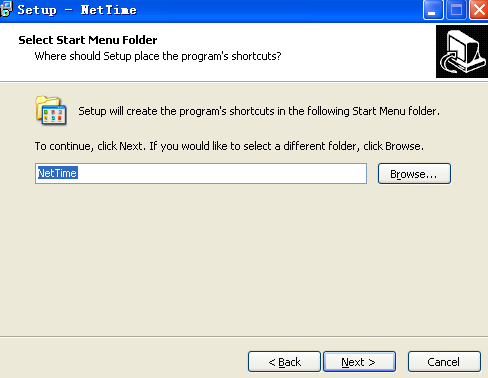
- 选择开始菜单文件夹,点击
Next
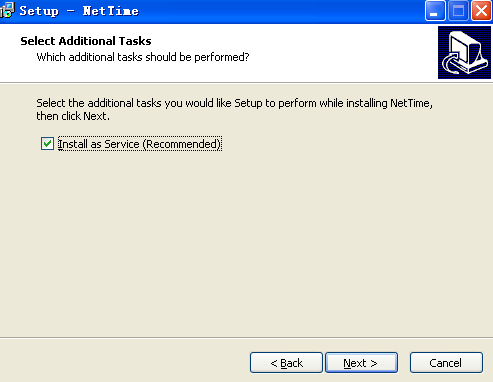
- 选择要添加的任务,勾选
Install as Service (Recommended)点击 Next
- 准备开始安装,点击
Install
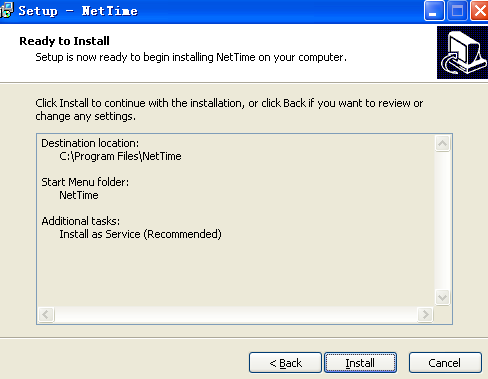
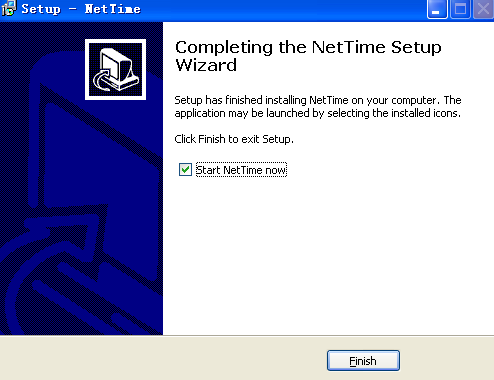
- 点击
Finish完成安装
配置 NetTime
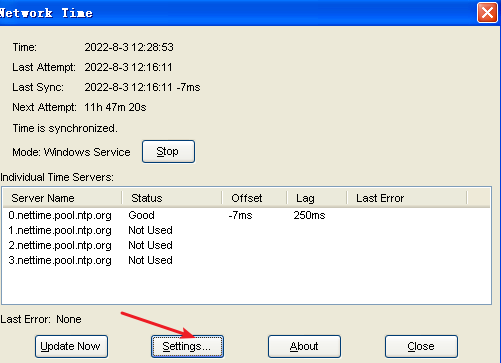
- 找到任务栏托盘处的 NetTime 图标,如下图所示:

- 单击
NetTime图标,在弹出的Network Time窗口中点击Settings...如下图所示:
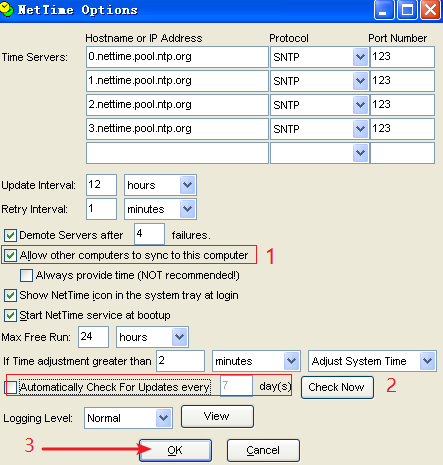
- 在弹出的
NetTime Options窗口中勾选Allow other computers to sync to this computer,取消勾选Automatically Check For Updates every 7 day(s),点击OK,如下图所示:
设置防火墙
安装 NetTime 后并不会自动开放 NTP 需要的 UDP 协议 123 端口,您需要以管理员身份运行:
netsh firewall add portopening UDP 123 "123UDP"
完成!